 bitGen Studio
Make films on your own computer
bitGen Studio writes the screenplay, renders the scenes, scores the music and cuts it together. It runs on your own graphics card, with no accounts and no cloud.
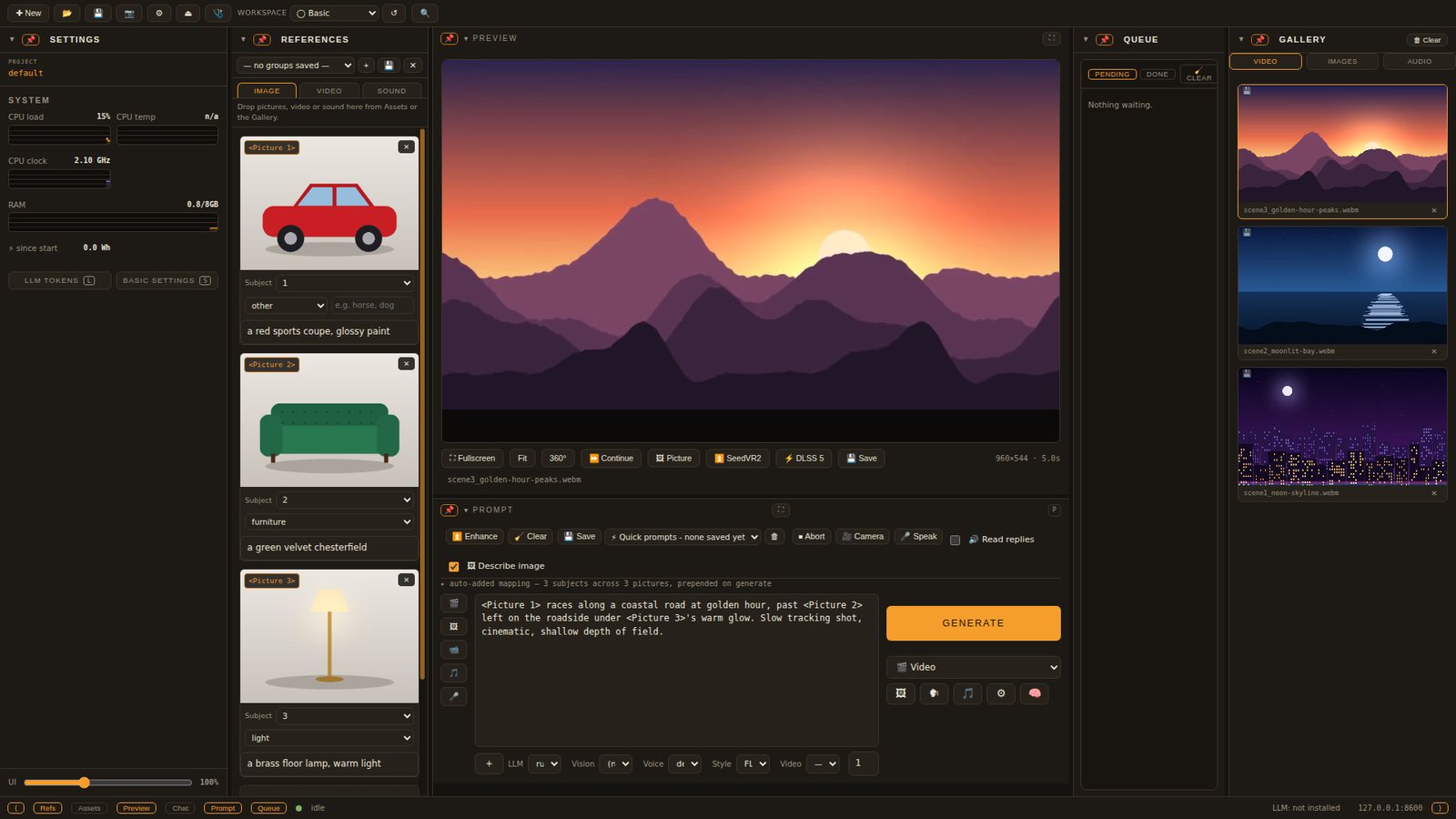
One studio for the whole film
From one sentence to a whole film
A local language model writes the screenplay. The StoryBoard turns each scene into a shot, and the characters keep their faces and their own cloned voices from scene to scene.
- Films with dialogue, or music videos cut to the beats of a song
- MiniMax H3, LTX and Wan video models through ComfyUI
- Character swap, lip sync, VR footage and SeedVR2 upscaling
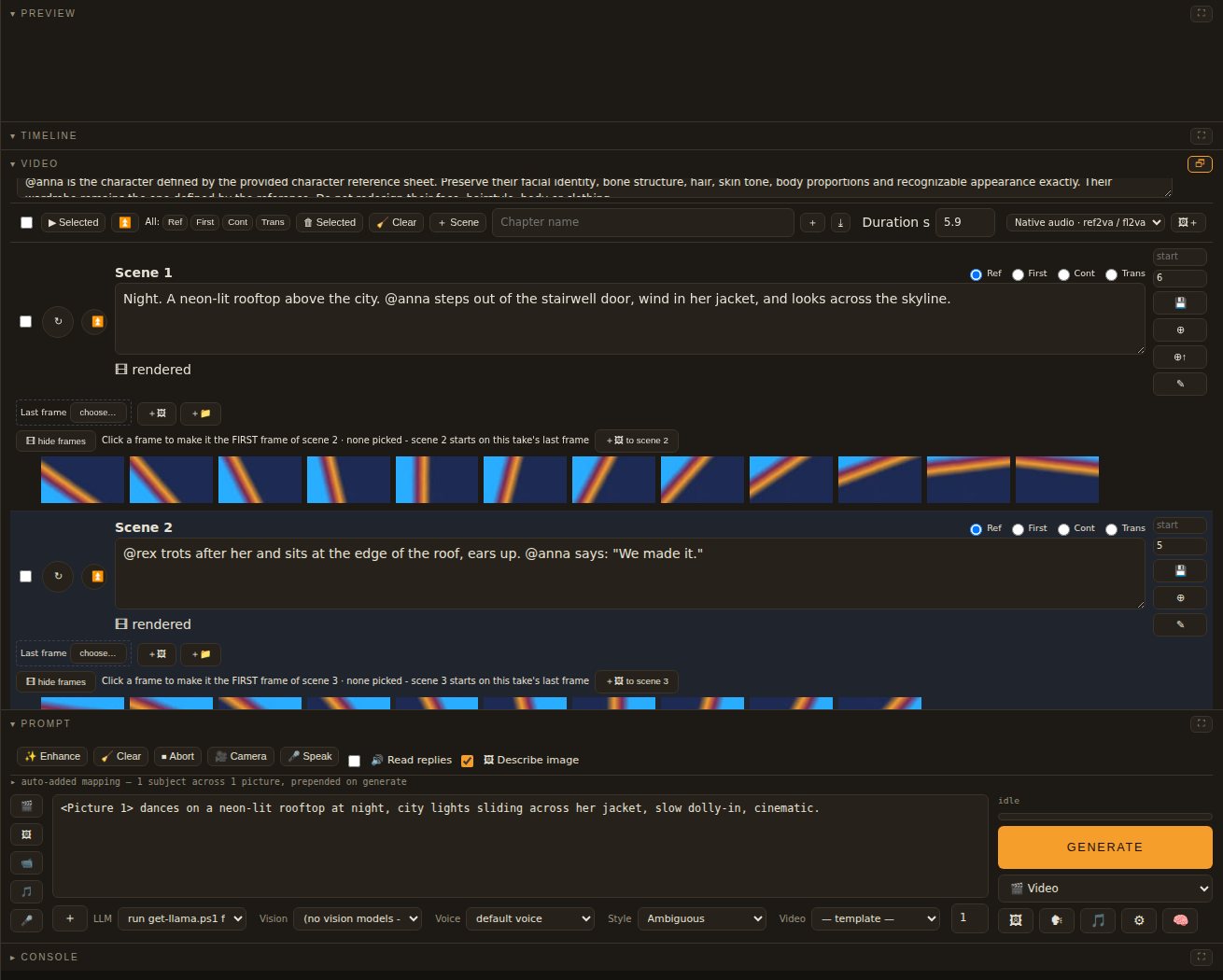
Cut it on a real timeline
Layers, keyframes, effects and adjustment layers on a preview canvas, with the tools you expect from an editor.
- Colour grading, masks and tracking, multicam and nesting
- Captions, karaoke with a bouncing ball, transitions and a track mixer
- Proxies for big footage; export when it is right
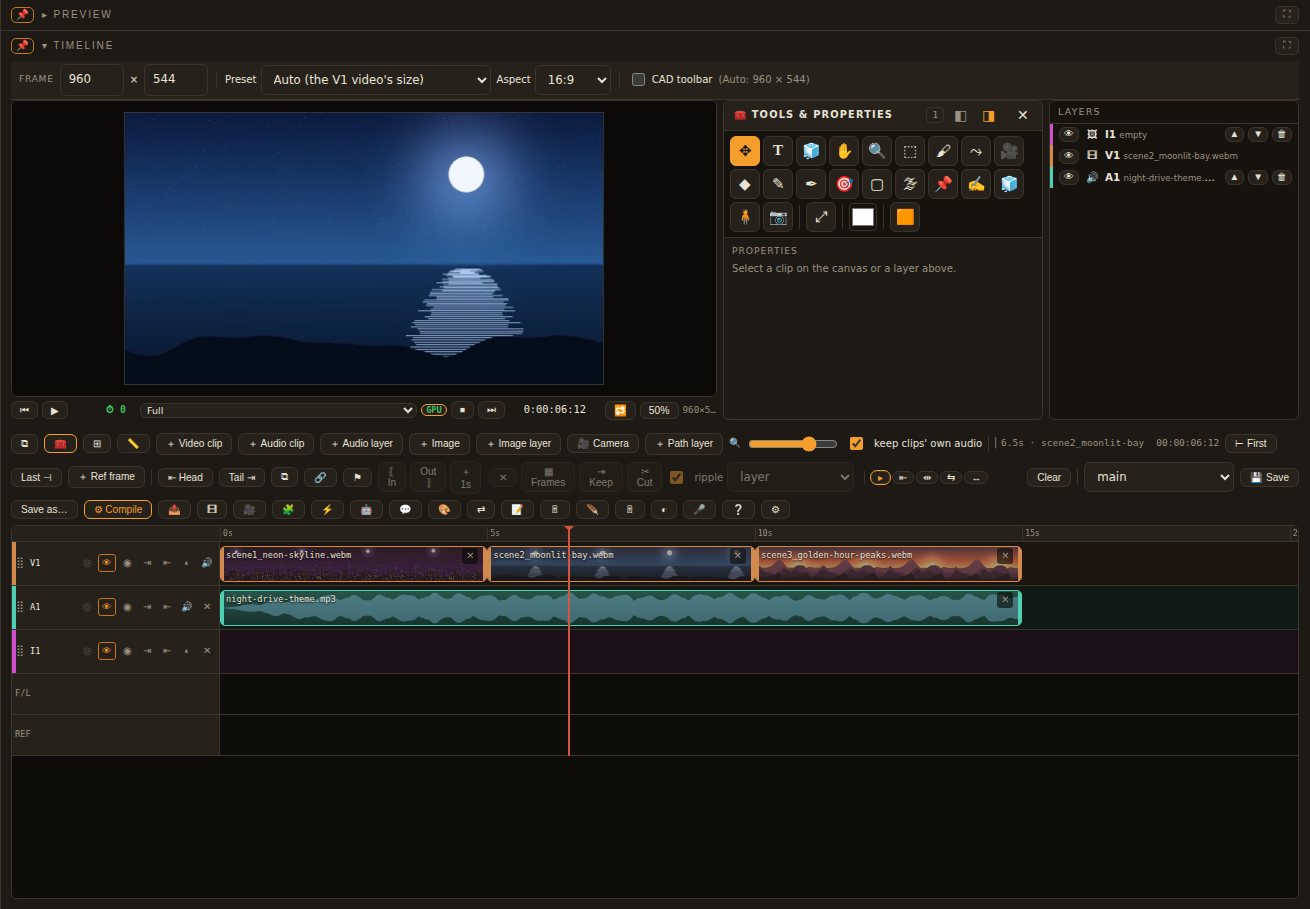
Paint, comp and design
An image editor with layers, masks, smart objects and adjustment layers - and the AI in it, for generating, refining and filling.
- Selections, painting, retouching, puppet warp and liquify
- Type with OpenType features, vector shapes and the pen
- CAD sketch layers with real dimensions and a parametric 3D body
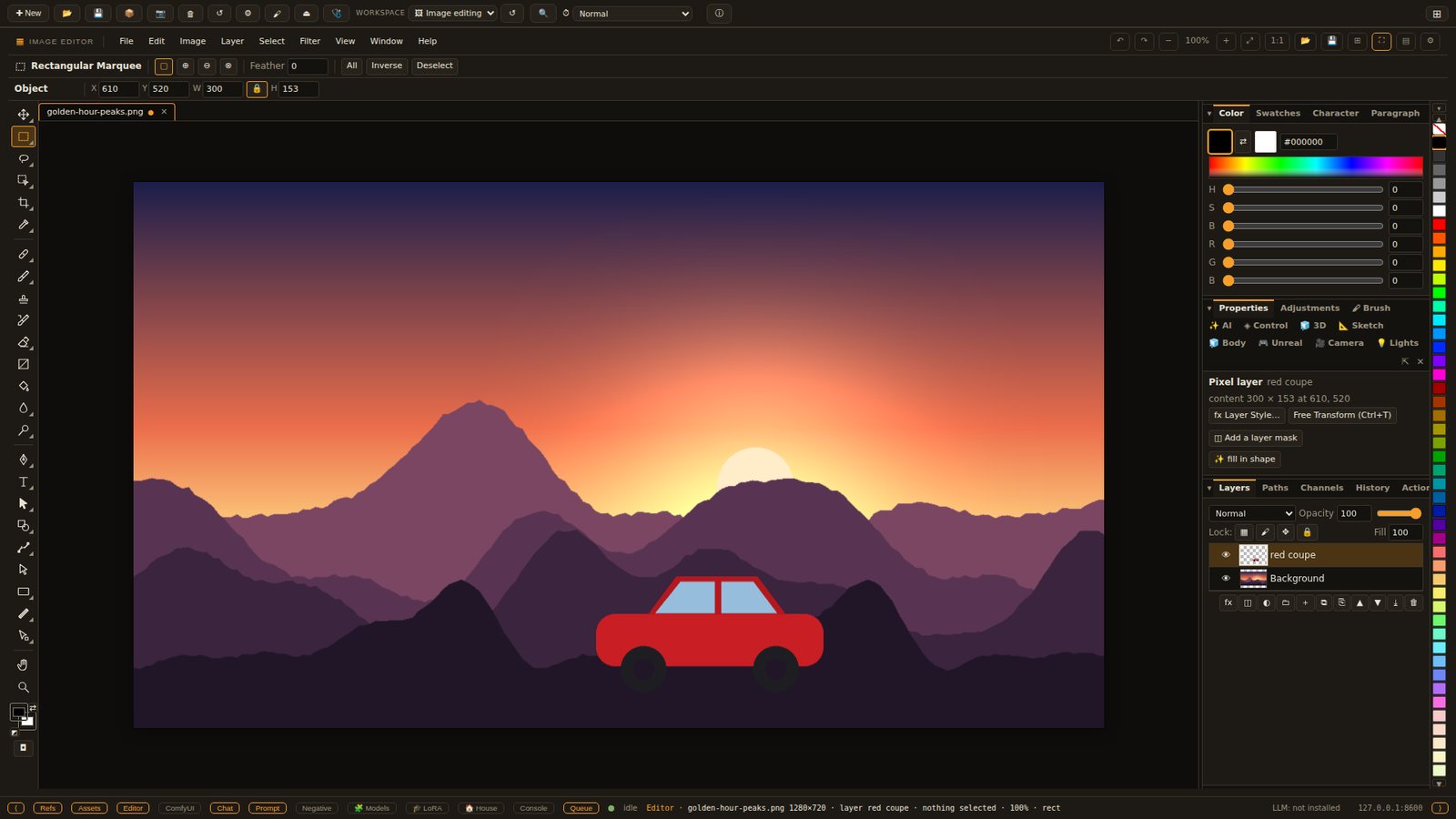
Build the set
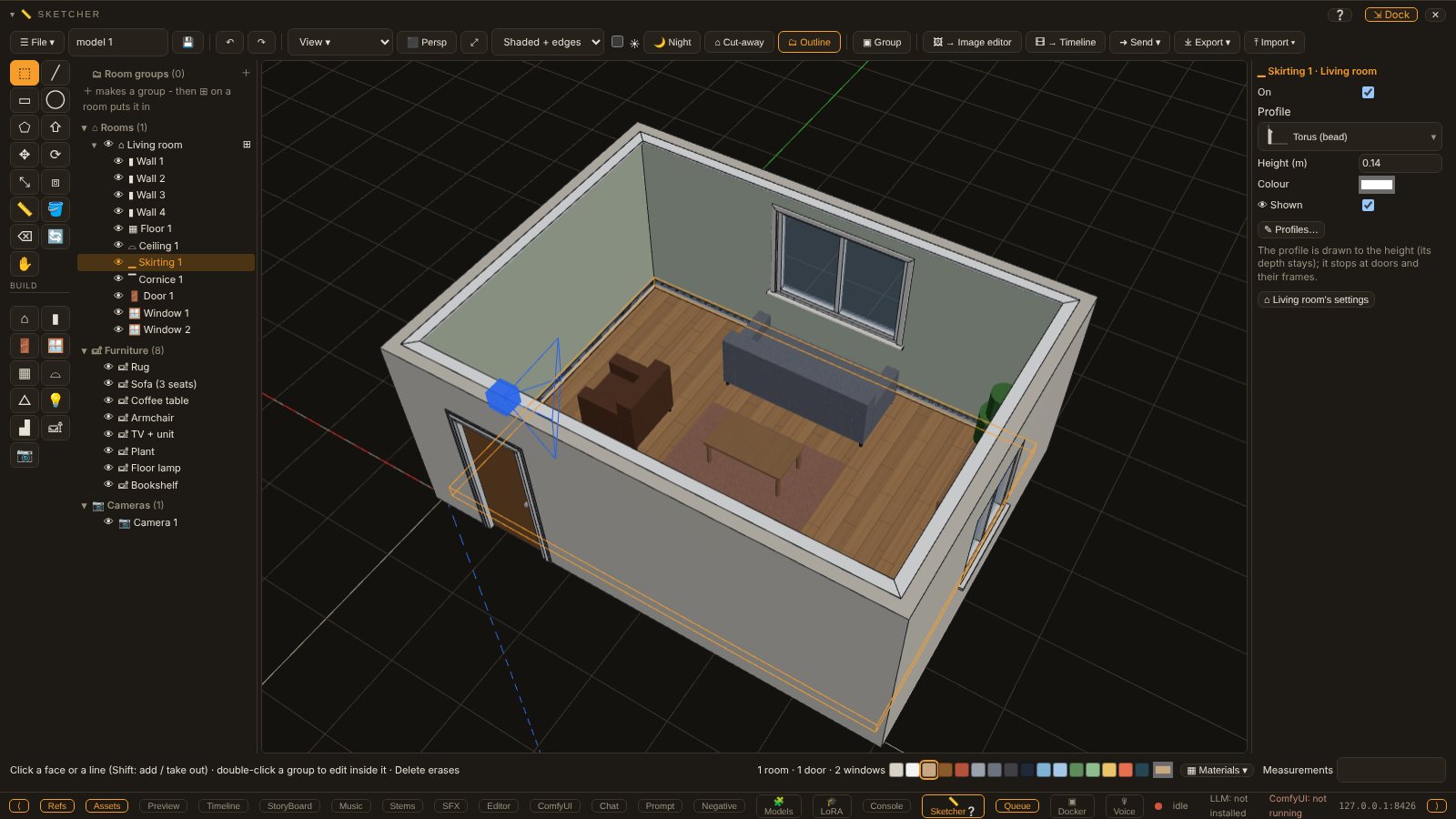
Sketcher is quick 3D modelling: draw, push and pull, then whole rooms and houses with shared walls, doors, windows, roofs and stairs.
- Floor plans, sections and printable sheets
- Lights and cameras, then render the room as a shot
- Blender, Daz Studio and Unreal Engine links for the heavy lifting
Score it and give it a voice
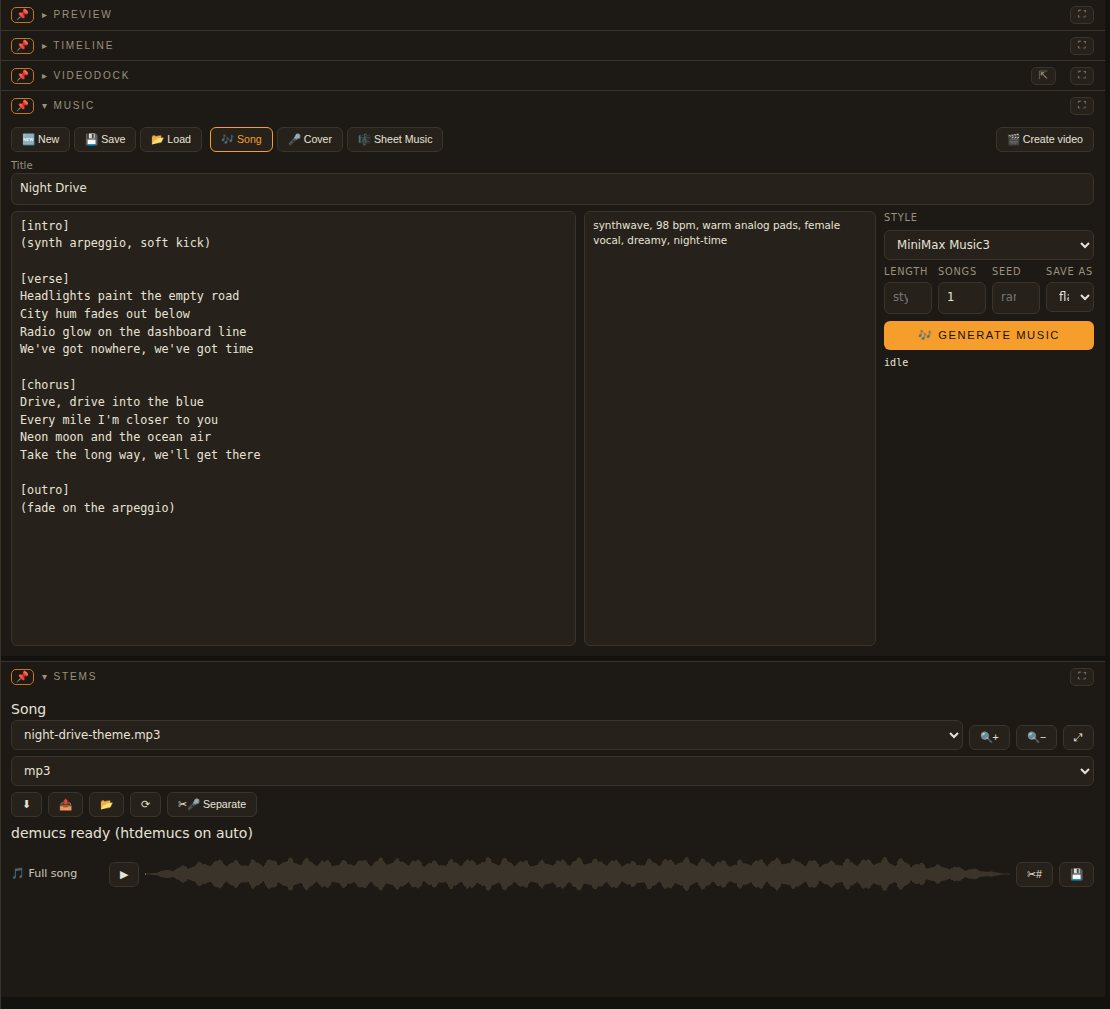
Songs, stems and sound effects made on your own card, and voices cloned from a few seconds of speech.
- Music with MiniMax Music3 and YuE2, and split stems
- Text to speech in your characters' voices, speech to text
- A sound effects docker that fills a scene with sound
That is the short version. Every feature - 963 of them - is listed with where to find it.
Your computer, your files
- Nothing leaves your machine
- The models run on your graphics card. Projects, pictures and films stay in folders on your own disk.
- No accounts
- No sign-up, no subscription and no credits to buy. The Community is the only part that goes online, and only if you join it.
- Fits the card you have
- Pick an edition for your card, from the editor alone to everything. 16 GB mode runs MiniMax H3 on a 16 GB card.
- In four languages
- The app, its guide and this site in English, 简体中文, 繁體中文 and 日本語. Change it from the menu bar at any time.
- Open source
- Every line is on GitHub under the MIT licence. Read it, change it, and send improvements back.
- Help from people
- Stuck? Ask in the Community's Help room, right inside the app, or in the Discussions on this site.
Get bitGen Studio
One small installer sets up everything: the app, ComfyUI, the node packs and the models for your card.
| System | Windows 10 or 11, Linux, macOS |
|---|---|
| Graphics card | NVIDIA with a current driver. 6-12 GB for the small AI, 16 GB for MiniMax H3 in 16 GB mode, 20 GB or more for everything. The editors need no AI at all. |
| Disk | 100 GB free for the full set of models |
| Price | Free |